
The Golden Lanthorn

TheGolden Lanthorn

A warm, modern home for classic and modern interactive fiction. Your library on the shelf, maps that draw themselves, and every game's own look.

Z-machine (versions 1–8, including the graphical v6 games), Glulx and Blorb, and Scott Adams adventures.

Get it on itch.ioOut now for Mac, Windows, Linux and Android. Or try the free demo first, with the whole of Zork I.Questions, or want to hear more? Write to hello@goldenlanthorn.com.

A brass lantern with a lit flame

Take it from someone who has been eaten by a grue more often than I'd care to admit: bring a lantern. Better still, bring The Golden Lanthorn.The Adventurer

See it in action

The video plays from YouTube once you press play.

A modern take on the earliest computer game art form

The games read like books, in proper typefaces, and the text reflows to whatever size you make the window. Status lines, menus and forms stay where the game put them. The graphical games keep their own pictures, scaled up cleanly for today's screens.

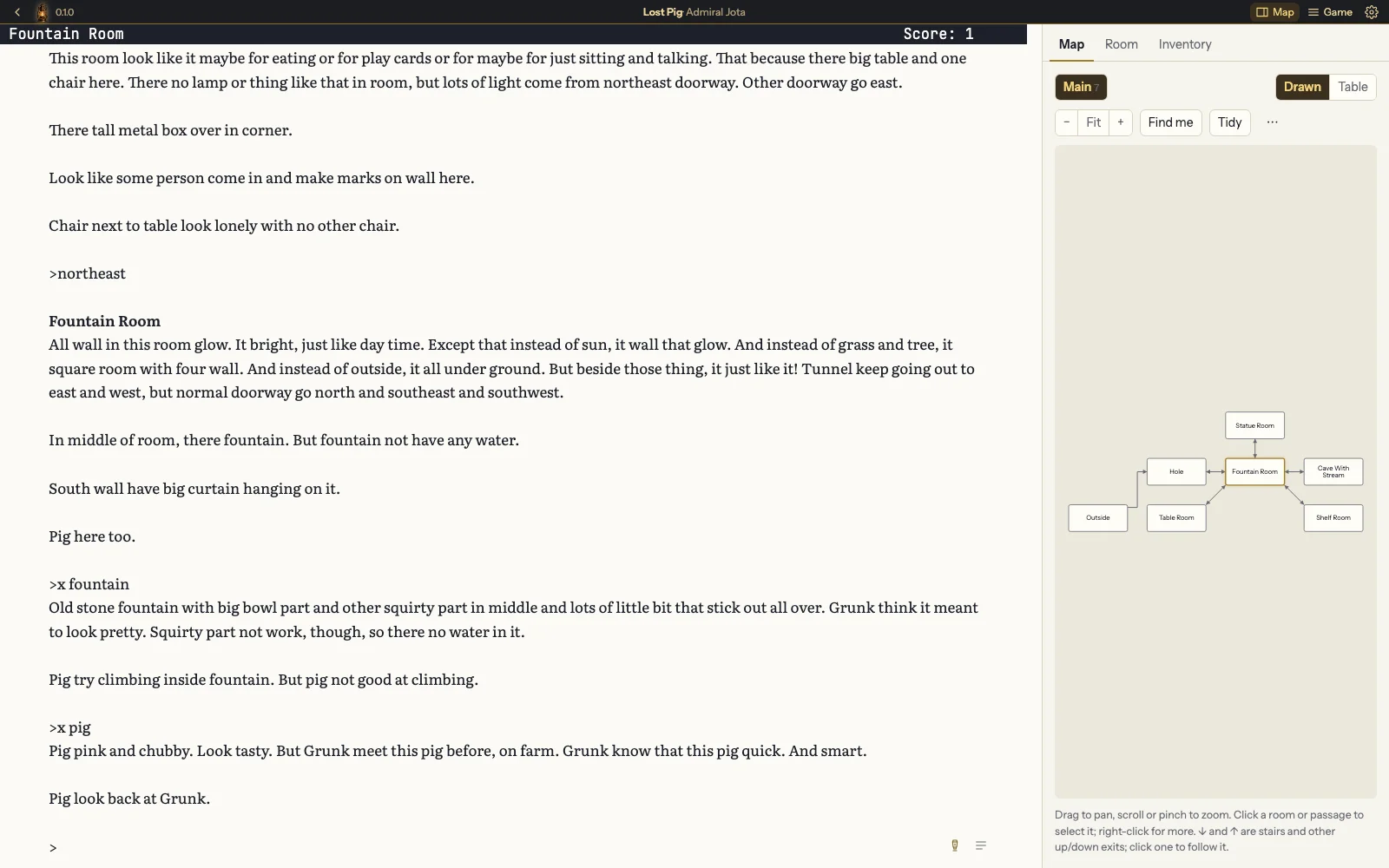
The Golden Lanthorn playing Lost Pig: Grunk's story in a book typeface on the left, and on the right a map of the rooms explored so far, with the Fountain Room highlighted.
Lost Pig by Admiral Jota, with the map filling in beside the game.

Why “Lanthorn”?

Lanthorn is the old spelling of lantern, from the days when the light shone through panes of thin, polished horn.

Your whole collection on one shelf

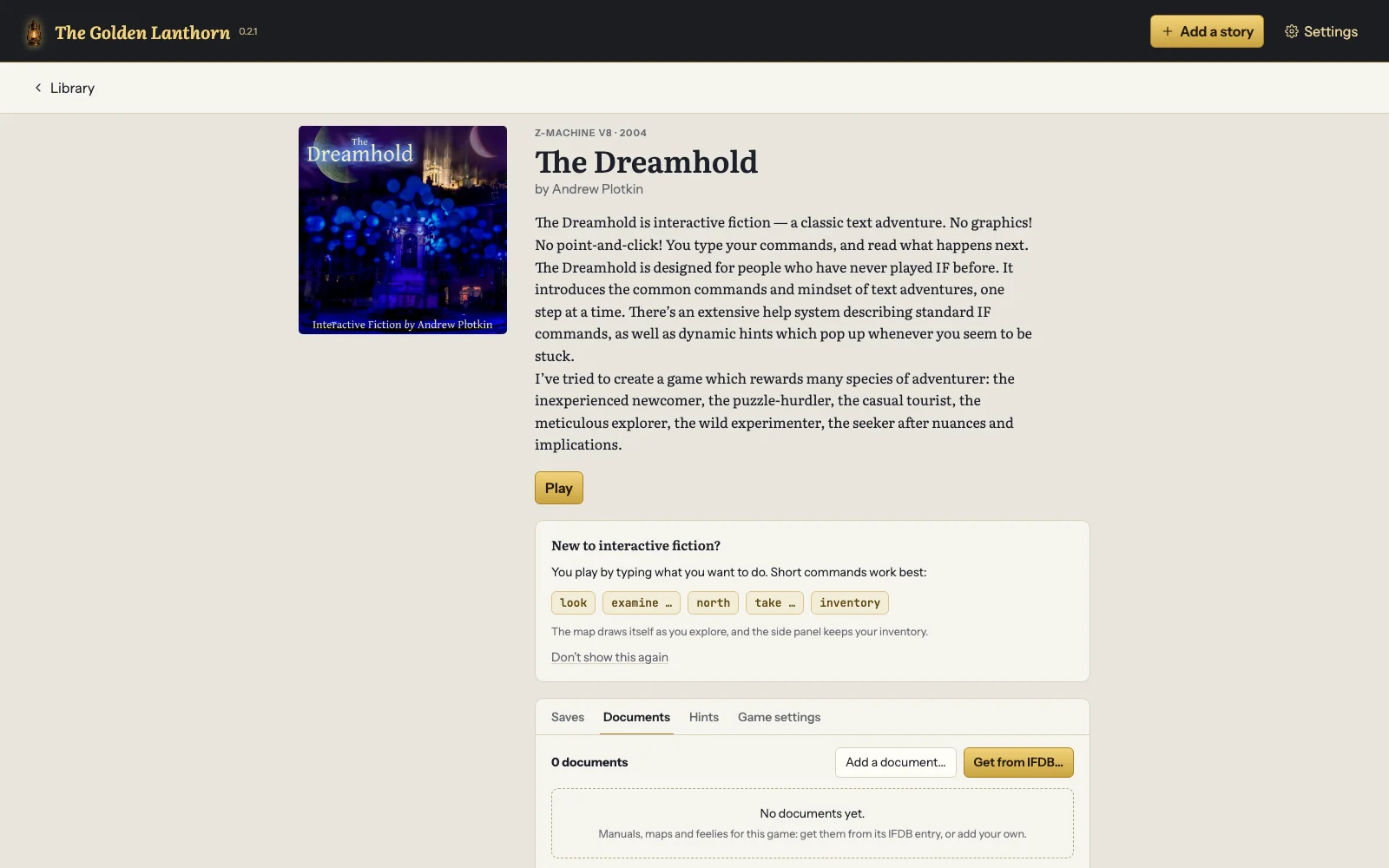
Point it at your games and they're shelved with covers, authors and details from IFDB. Browse your folders, sort by any column, and pick up where you left off. Looking for something new? Search IFDB and download free games without leaving the app. No games are included with the app, including the ones shown on this page; the free demo comes with Zork I.

Games in progress wait for you at the top.

My own collection was once a shoebox of floppy disks, labelled in three different handwritings, none of them mine. I am told that is not how a library works.
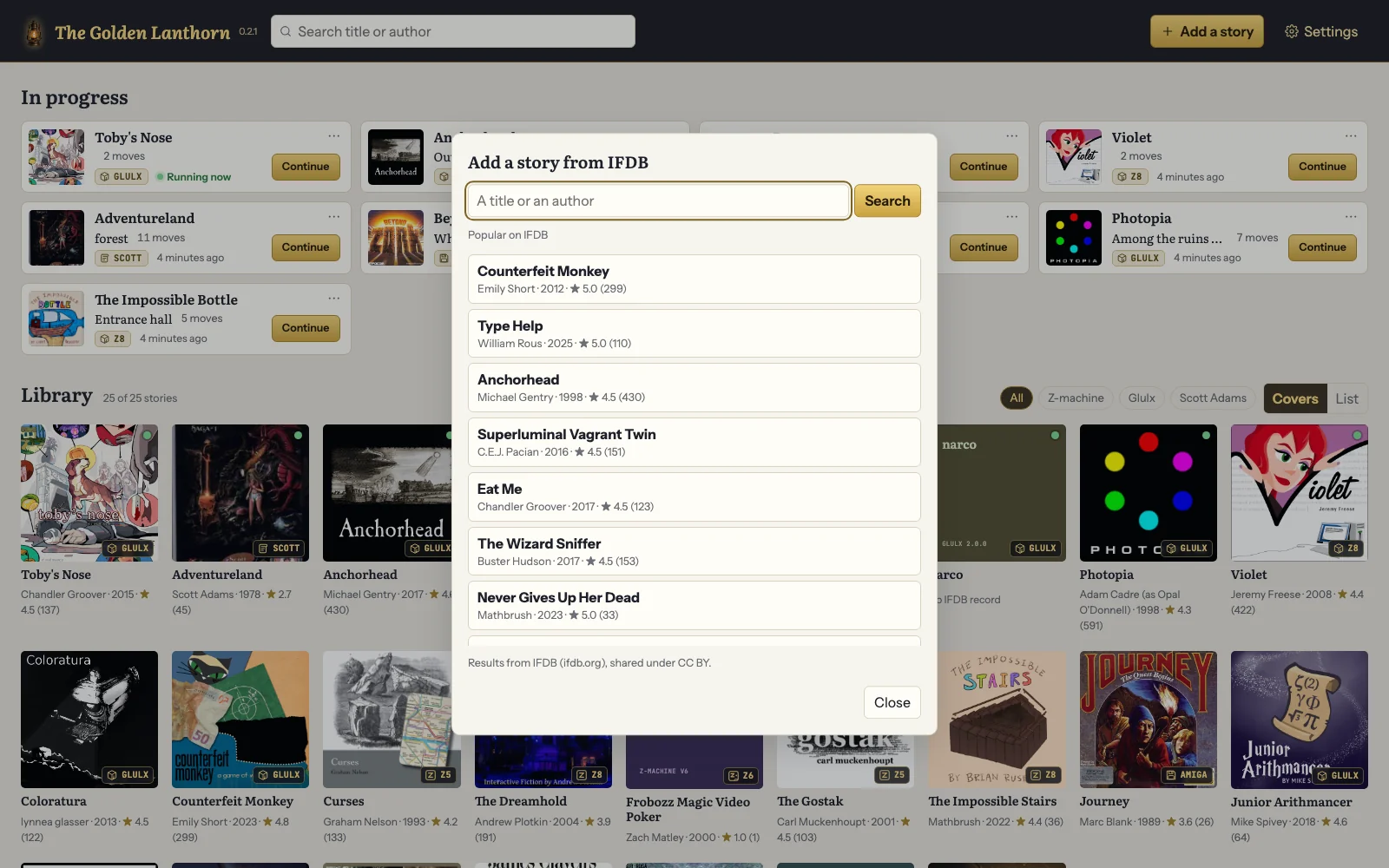
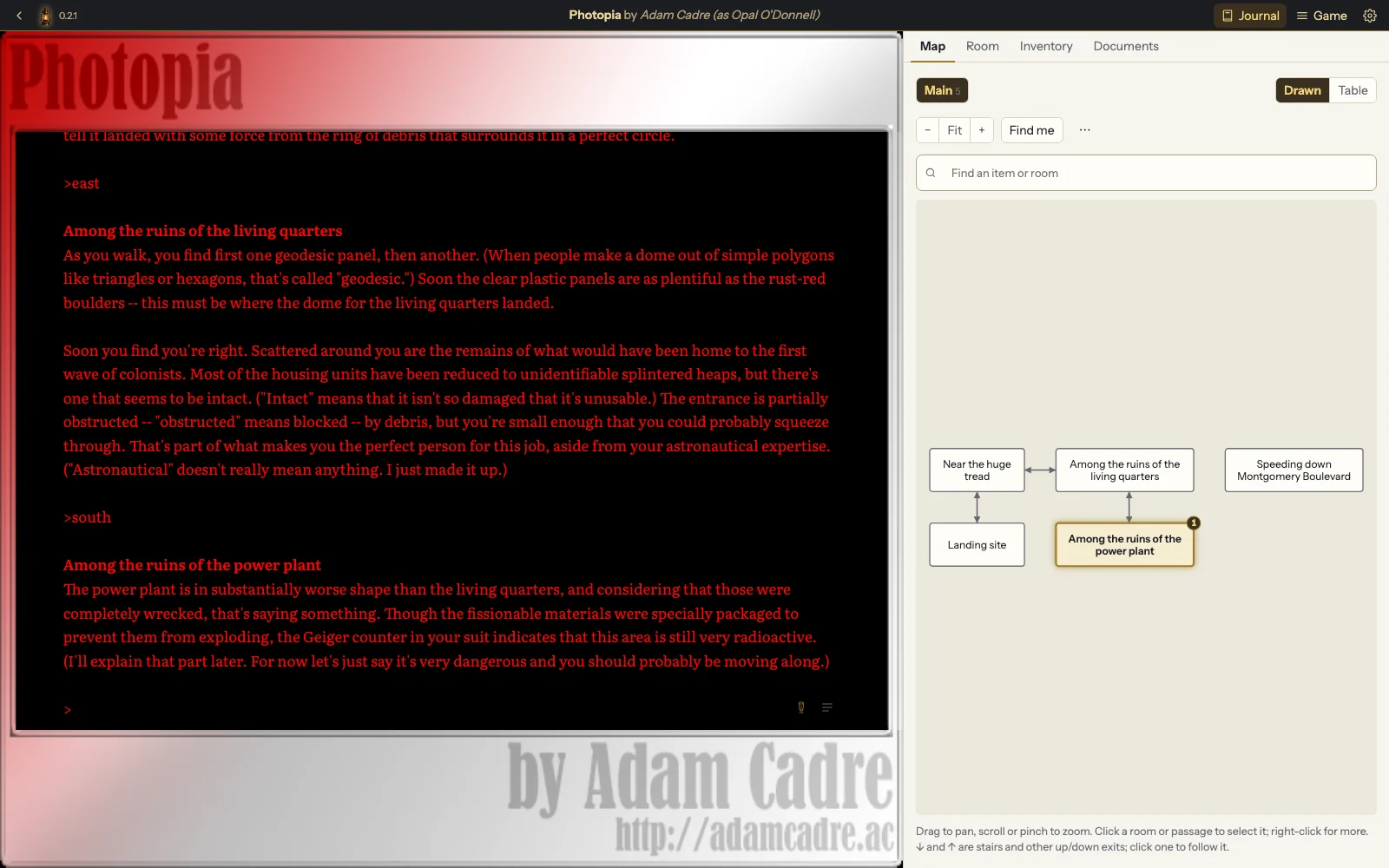
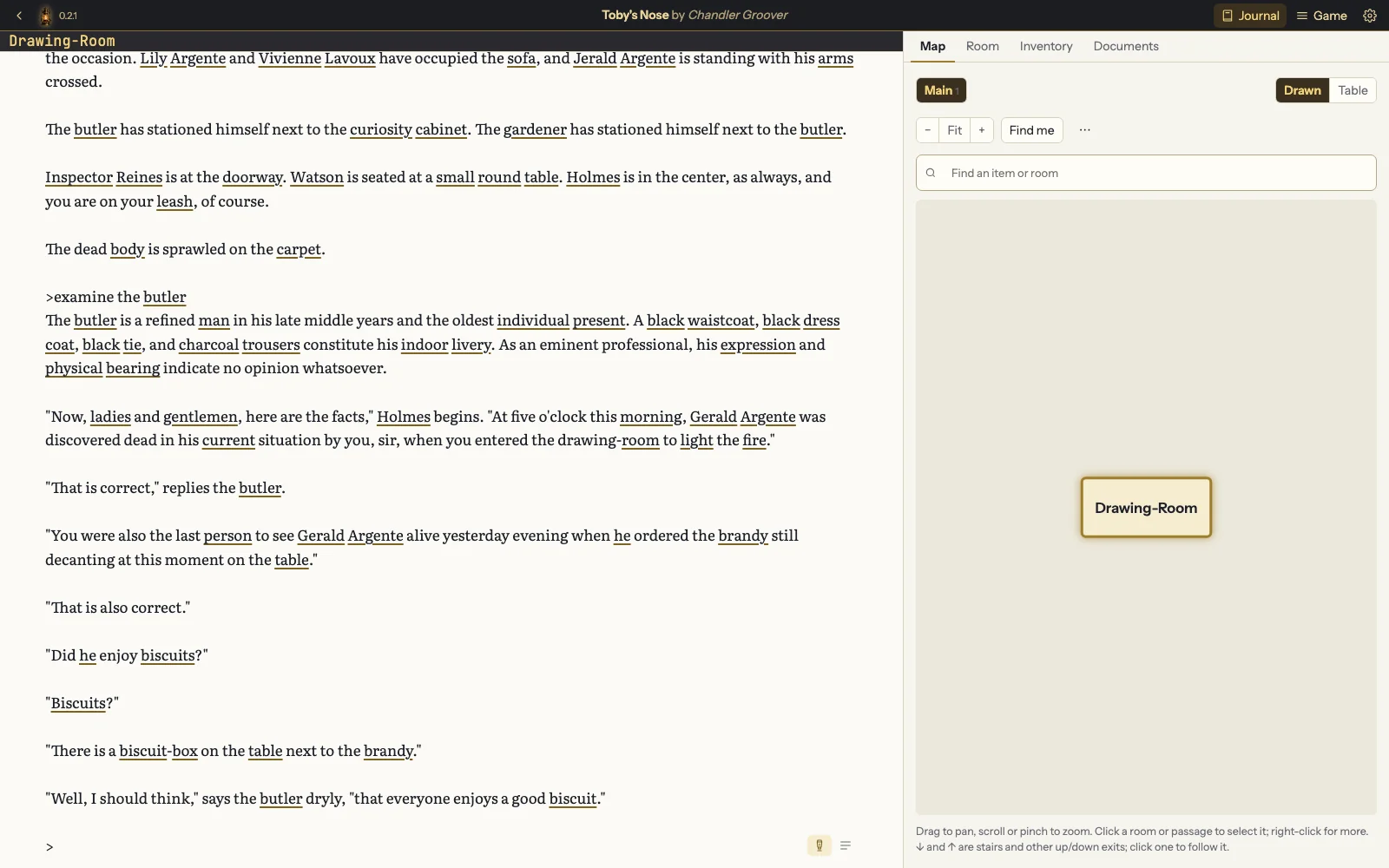
The library, with games in progress such as Toby's Nose, Violet and Photopia at the top and a shelf of cover art below, and over it the Add a game from IFDB dialog: a search box and a list of popular games, Counterfeit Monkey, Type Help, Anchorhead and more, each with its author, year and rating.
The library, with a search of IFDB open over it.

Maps that draw themselves

Walk around and the map fills in beside you, room by room, with doors, stairs and one-way passages. Click a passage to follow it. Search for any room or item you've seen, and your inventory remembers where you left everything you aren't carrying.

Layers for different areas, and a table view for mazes.

In my day you mapped a maze by dropping your belongings, one per room. I lost a perfectly good sword that way, and a sandwich I still think about.

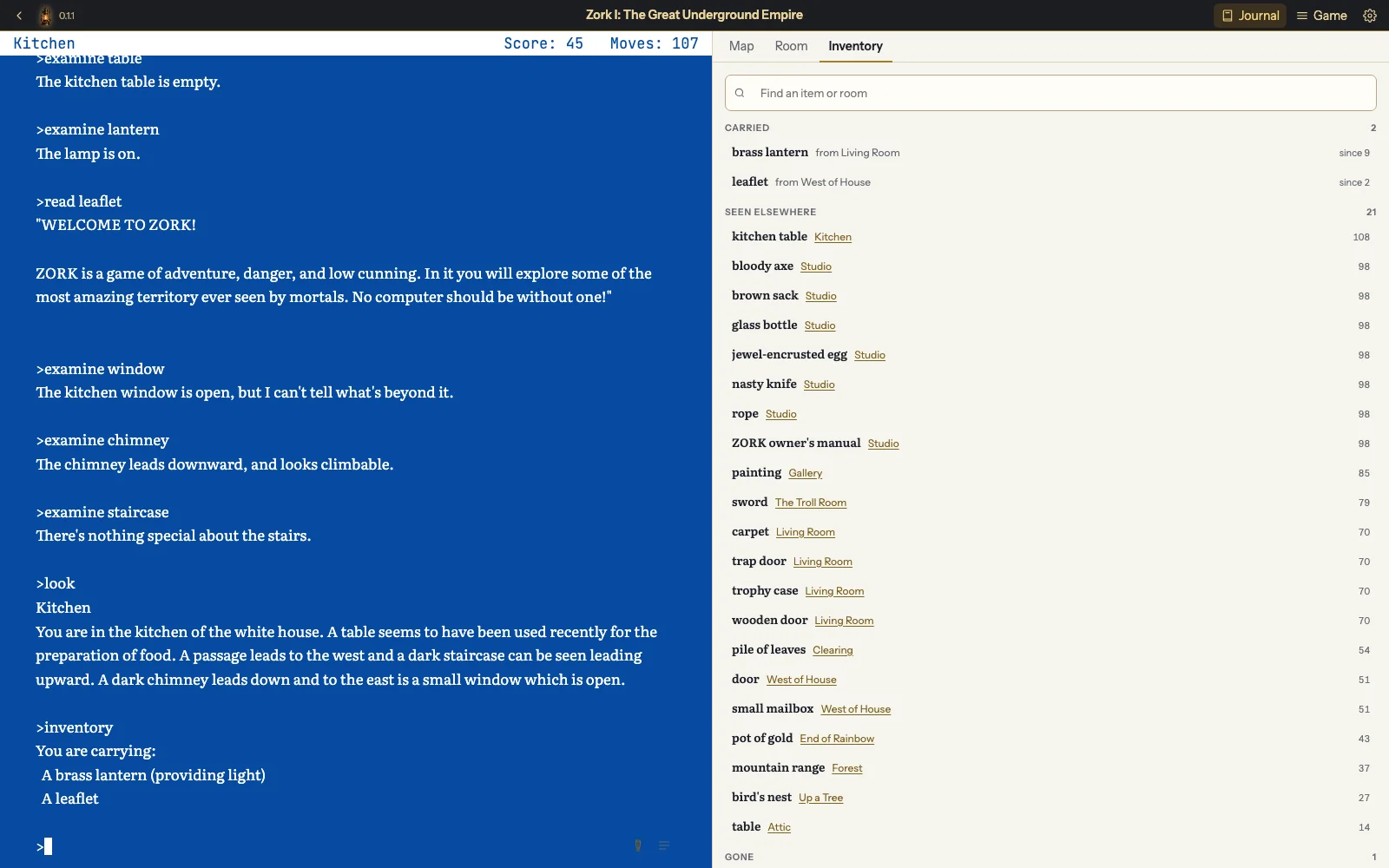
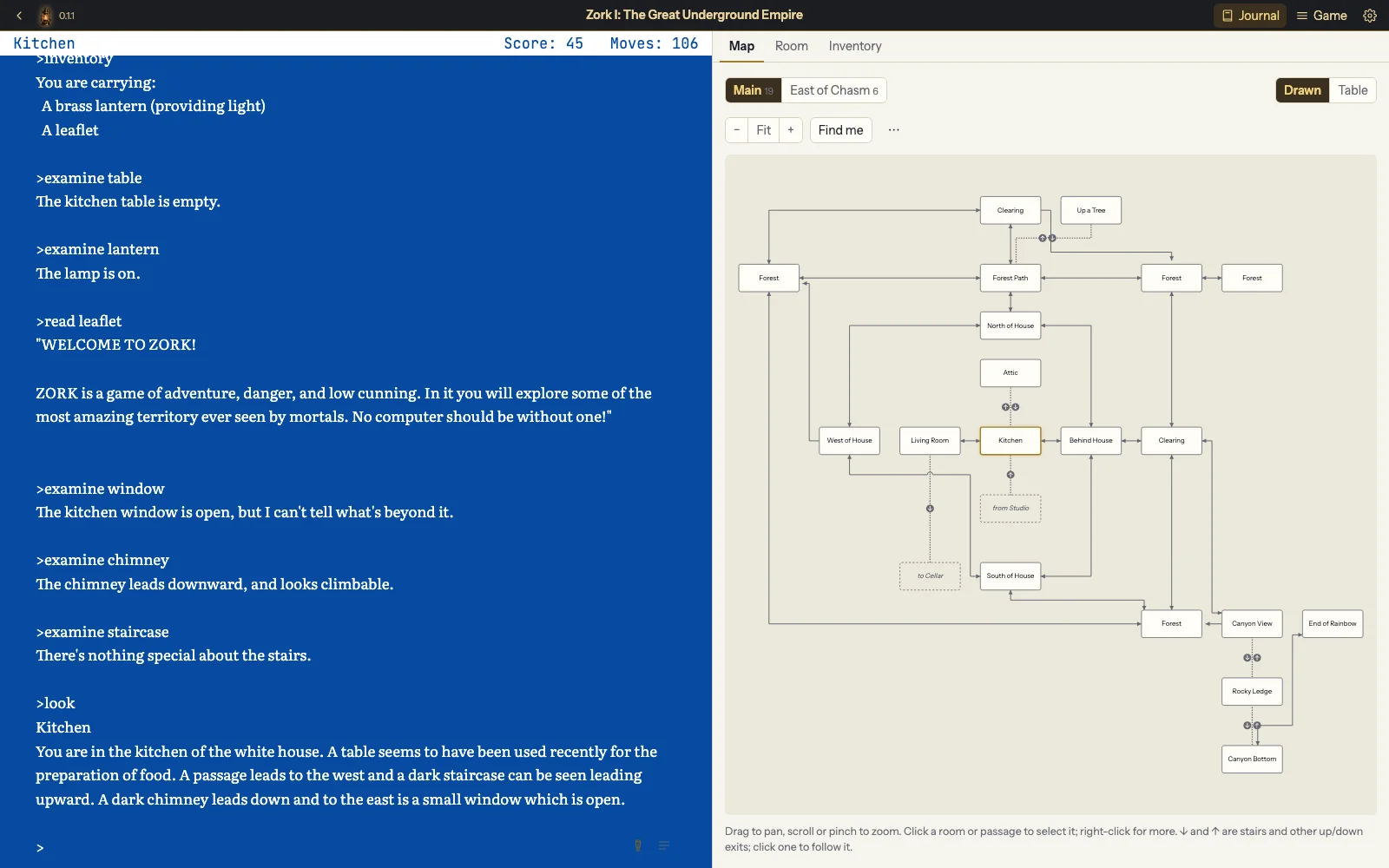
Zork I in its authentic Amiga colours, the blue screen of the original release, with the map panel open beside the game: the white house and the forest around it, with the Kitchen highlighted, and the canyon and the end of the rainbow below.
Zork I (Infocom) in its authentic Amiga colours, with the map of the house and forest drawn from play.

Hints and documents beside the game

A game's own hint menus and InvisiClues-style hint files open in a side panel. Manuals, feelies, solutions and community maps from IFDB wait in the Documents tab. Neither costs you your place in the game.

Solutions ask before they open, so nothing is spoiled by accident.

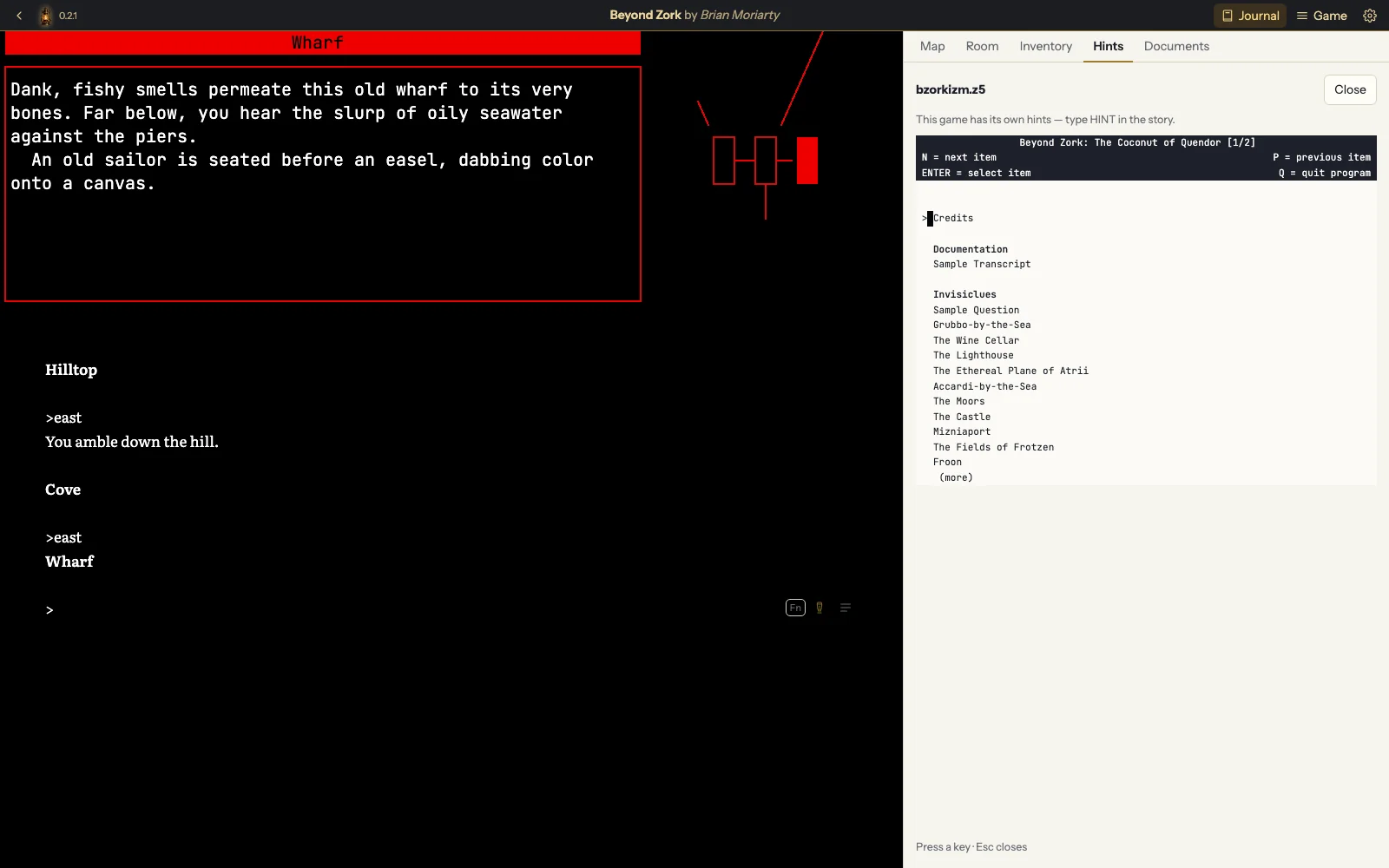
I have never needed a hint. I have, now and then, consulted one to confirm what I had already deduced. Holmes, I'm told, used them constantly.

Beyond Zork with the Hints tab open: the game's own hint menu, listing Credits, Documentation and the InvisiClues topics by place, such as Grubbo-by-the-Sea, The Wine Cellar and The Lighthouse.
Beyond Zork (Infocom), with its hint menu open beside the game.

The Guiding Light

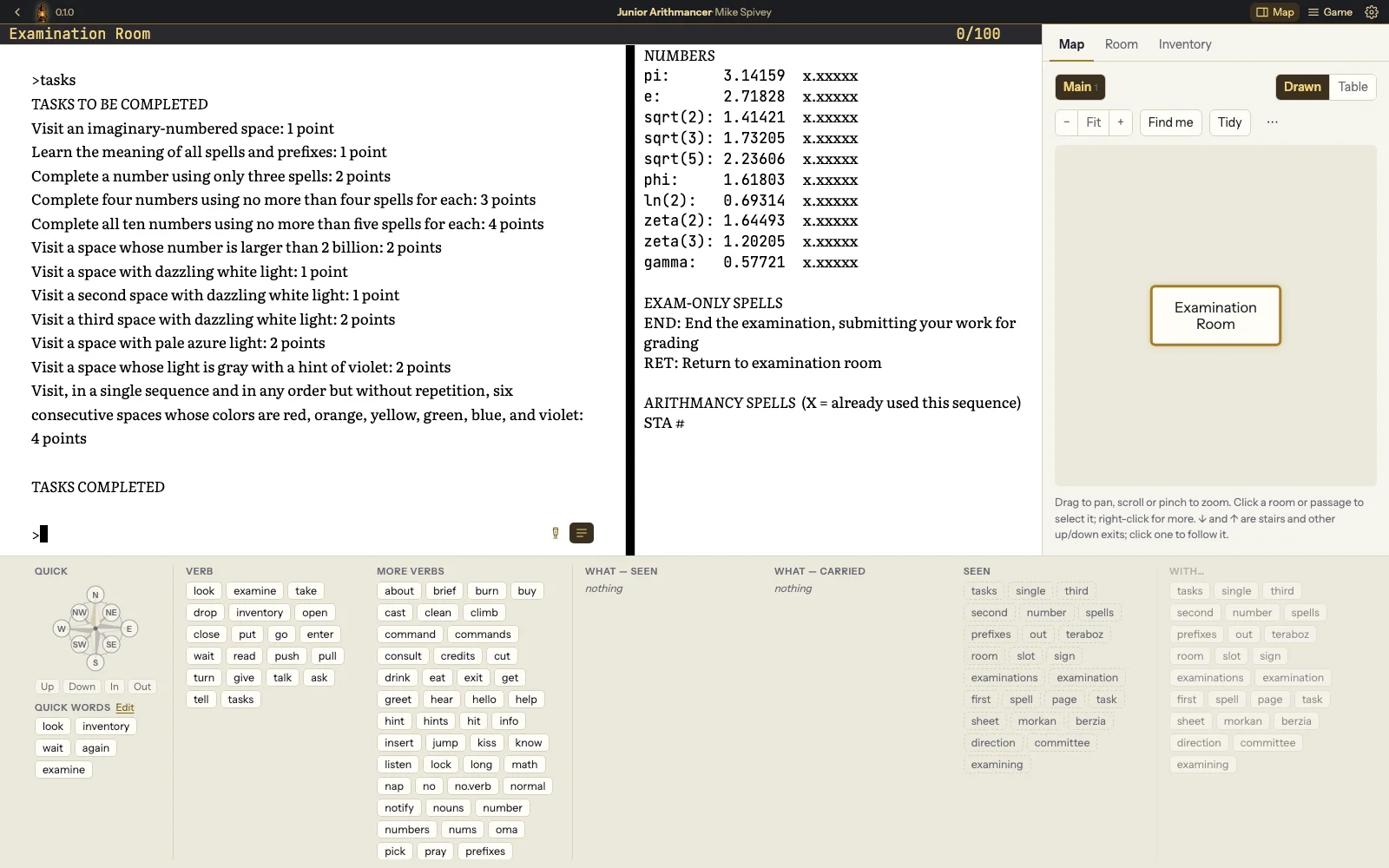
A command tray with the compass, verbs and the words a game knows, one click each. When the game doesn't understand a word you typed, the Guiding Light suggests words it does know, and a click puts the corrected command on the line.

Switch it on or off for each game.

The parser and I have had our disagreements. “I don't know the word ‘please’” is a sentence that has followed me for forty years.

Junior Arithmancer with the command tray open: a compass rose, quick words, verbs, and the words the game has shown so far, each a button that fills in the command line.
The command tray: compass, verbs and the words a game knows, one click each. Junior Arithmancer by Mike Spivey.

Games read aloud, and played by voice

The narrator reads each turn aloud with natural pacing: a pause before a new room, another before what's in it, and a soft chime when it's your turn. Say a command instead of typing it. You can ask the narrator the way to a room, where you last saw something, or which exits you haven't tried, and keep spoken notes on any room. Nothing you say leaves your computer. It works with screen readers too.

An optional download the first time you switch it on. How to set it up.

I have told stories at a great many parties. This is the first time anyone has asked me to keep going.

Learn a language as you play

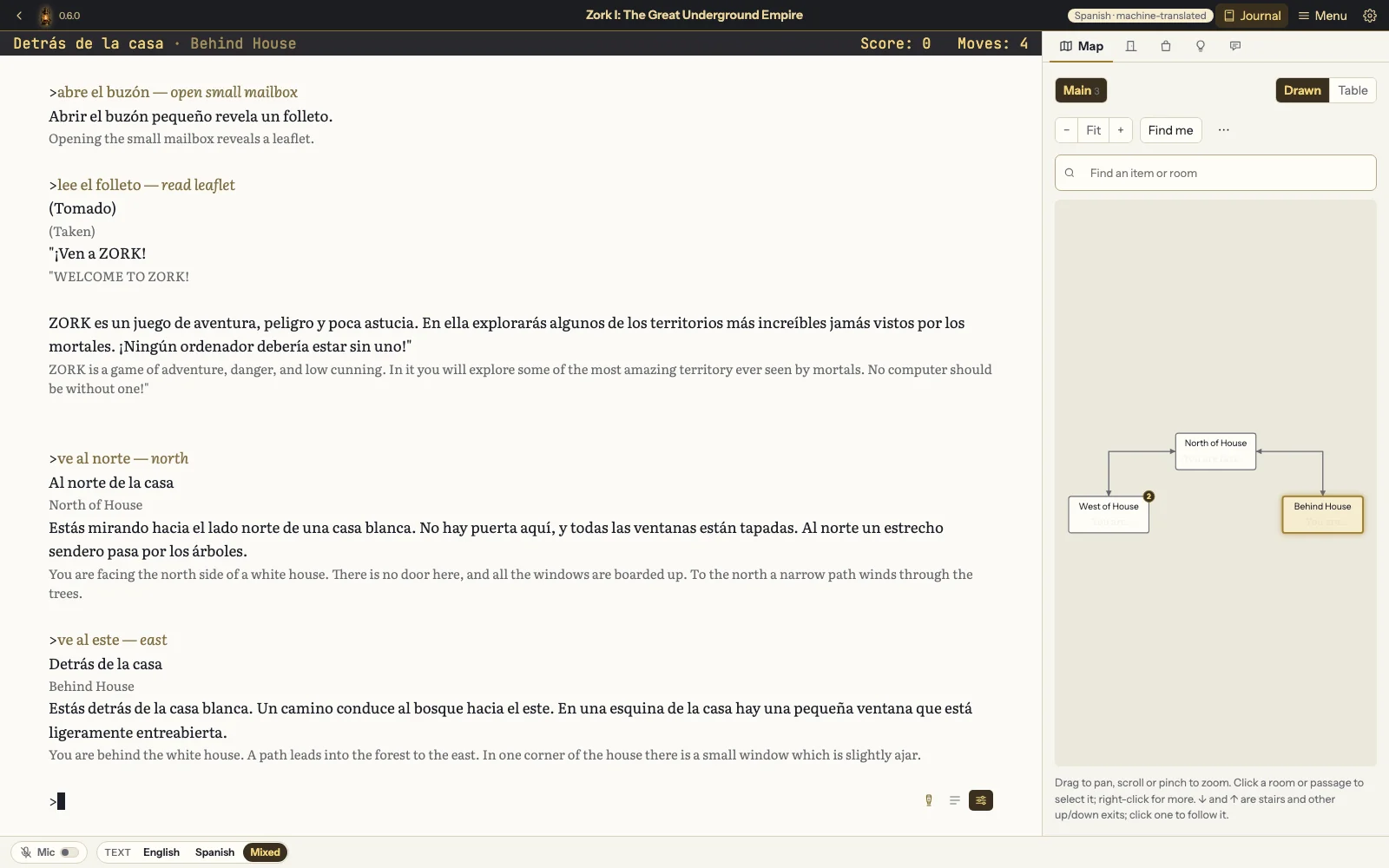
Light the Babel Lamp and the game you're playing is shown in Spanish, Italian or German, read aloud in it, or both, each set on its own. Mixed shows each line with the other language beneath it, and the sentence the narrator is reading stays marked on screen. You can type commands in the language too, such as “abre el buzón” or “nimm die Lampe”: each is read into the game's own English and shown beside what you typed. Each language has its own narrator voices.

The translation is made by a machine on your computer, and the app says so. Each language is an optional download, then works offline. How to set it up.
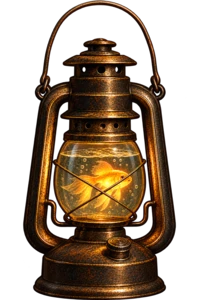
The Babel Lamp: a brass lantern filled with water, a glowing goldfish swimming inside

I came home from my last adventure with a strange fish in my ear, acquired from a vending machine. It tickled like crazy, so I filled The Golden Lanthorn with water and gave the fish a new home. That was the Babel Lamp. I can now tell a troll it is raining in four languages. He was not impressed in any of them.

Zork I with the Babel Lamp lit in Spanish and the text set to Mixed: each line of the game in Spanish with the English beneath it, and commands typed in Spanish, abre el buzón, lee el folleto, ve al norte, shown beside the English the game was sent.
Zork I in Spanish, with the English beneath each line and commands typed in Spanish.

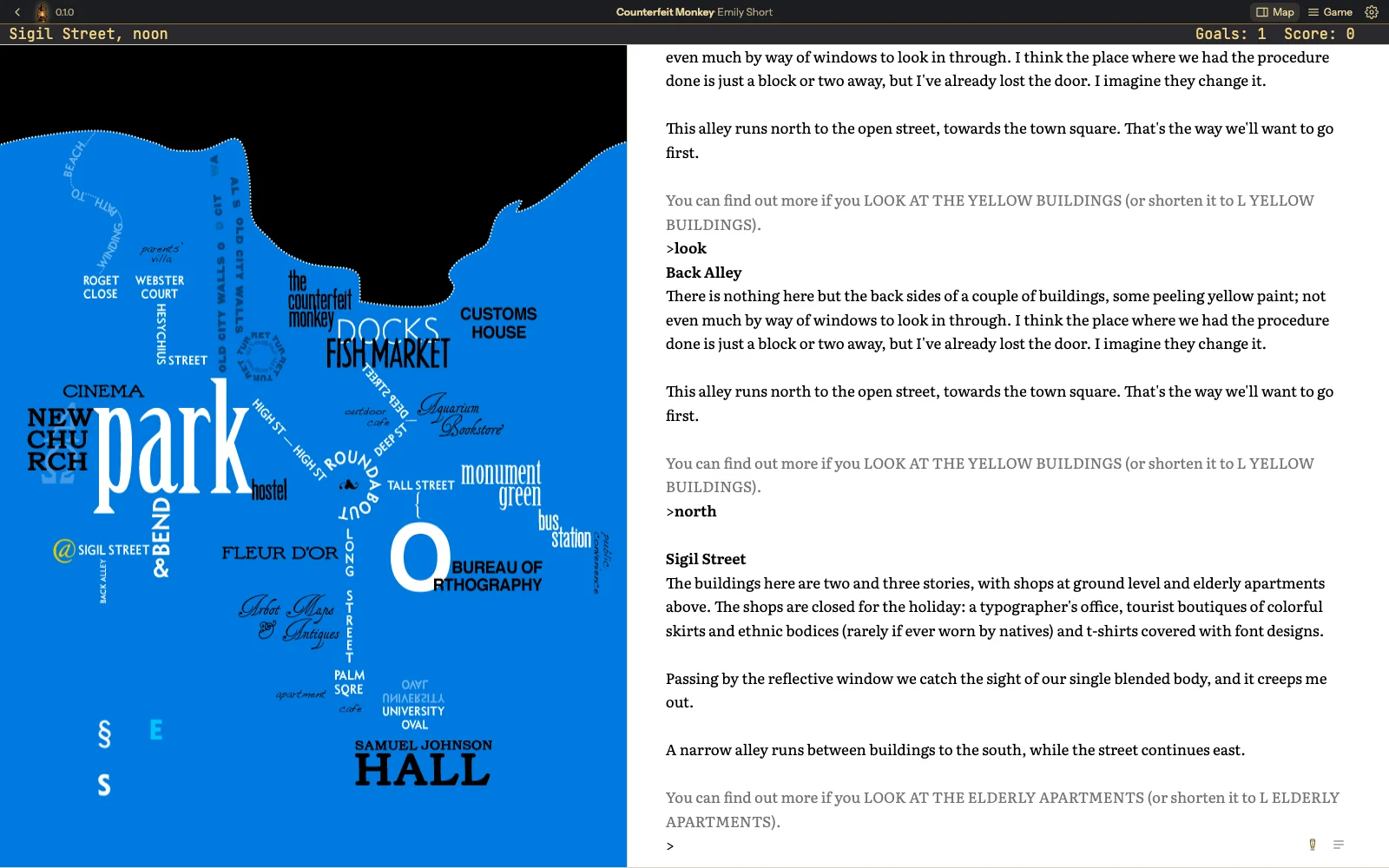
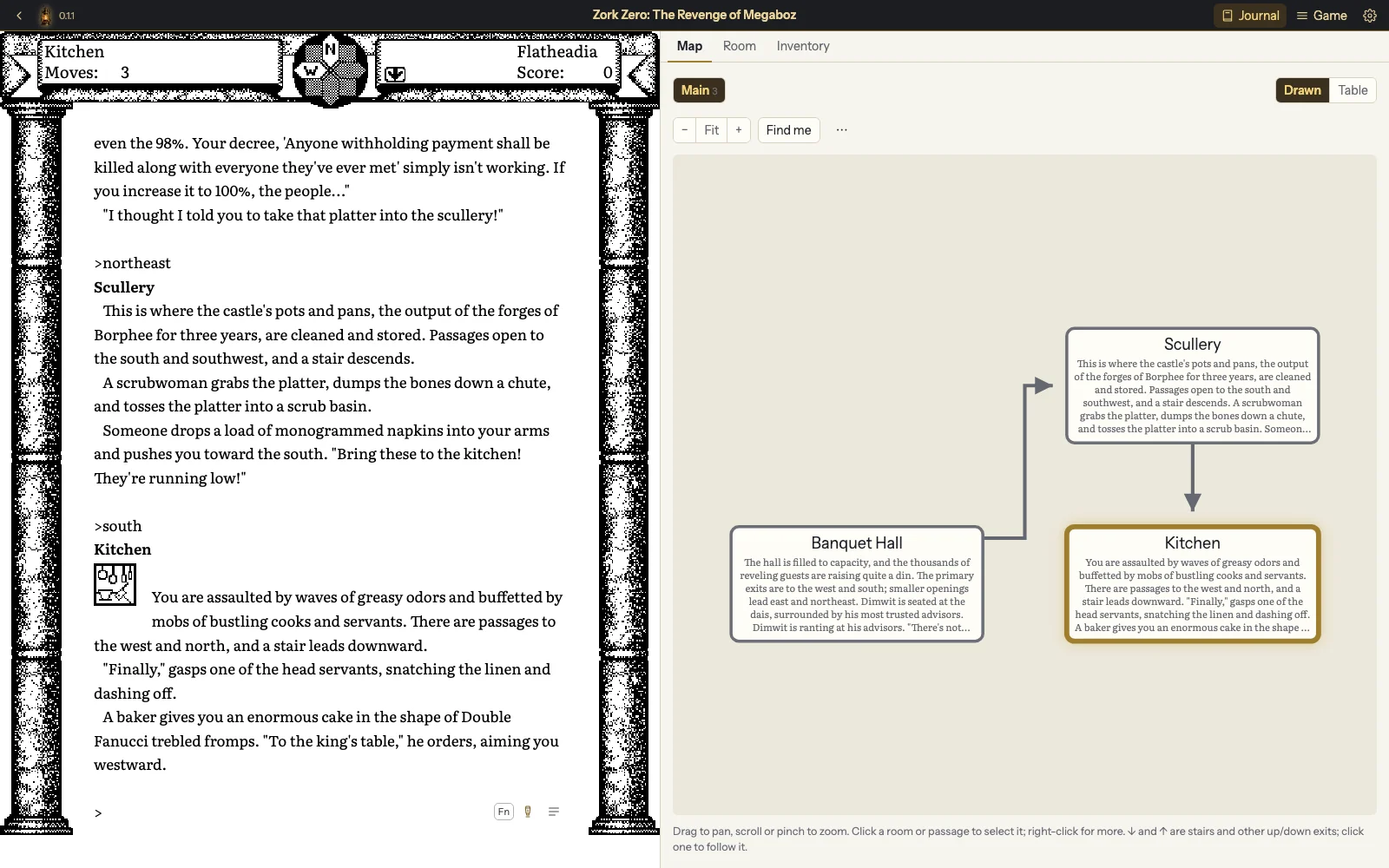
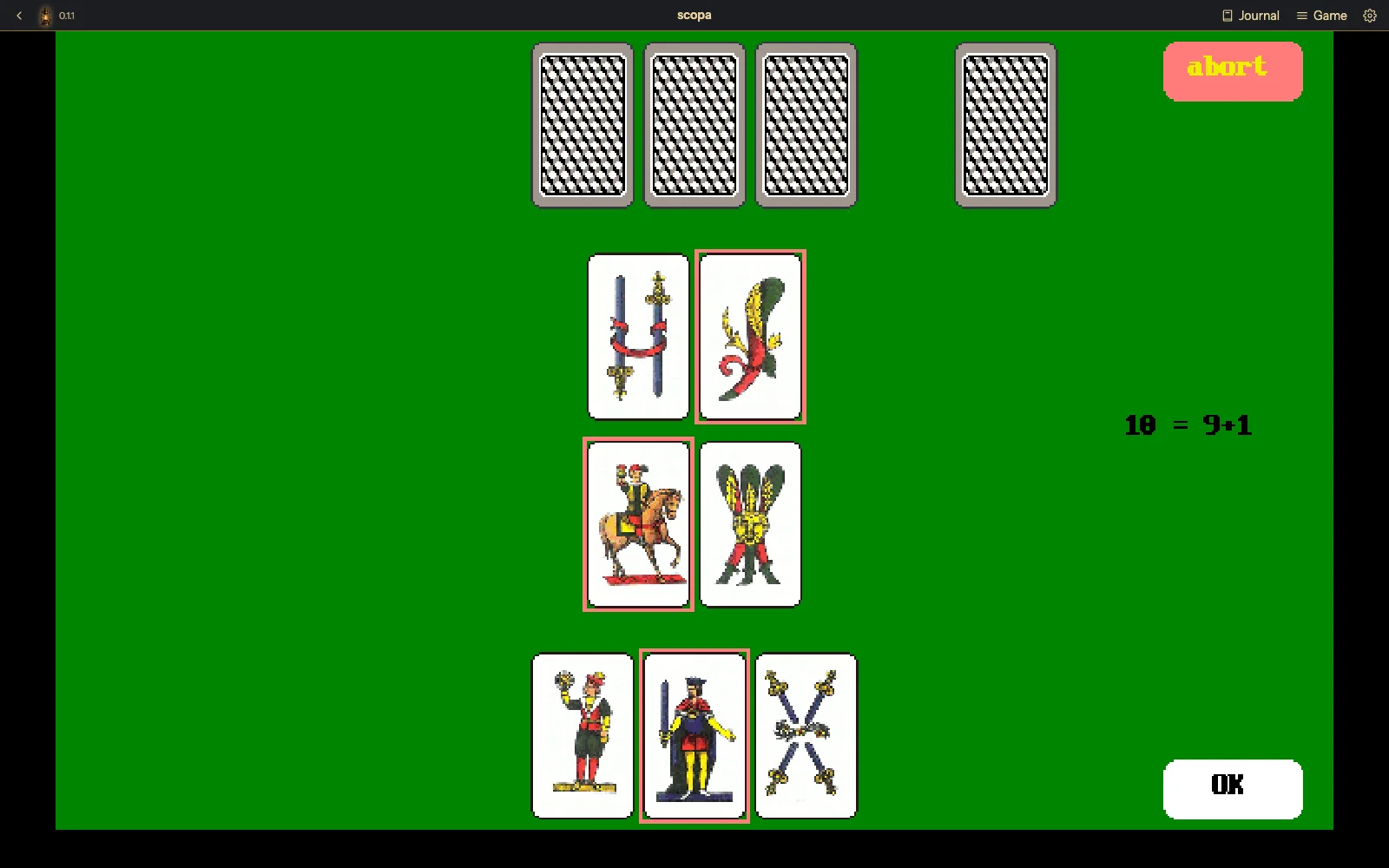
Every game's own look

The graphical classics draw their own screens, with sharp modern text over the original pictures, or the exact original pixels. Pictures and sound play as they did originally.

Game colours, period palettes, or your own theme.

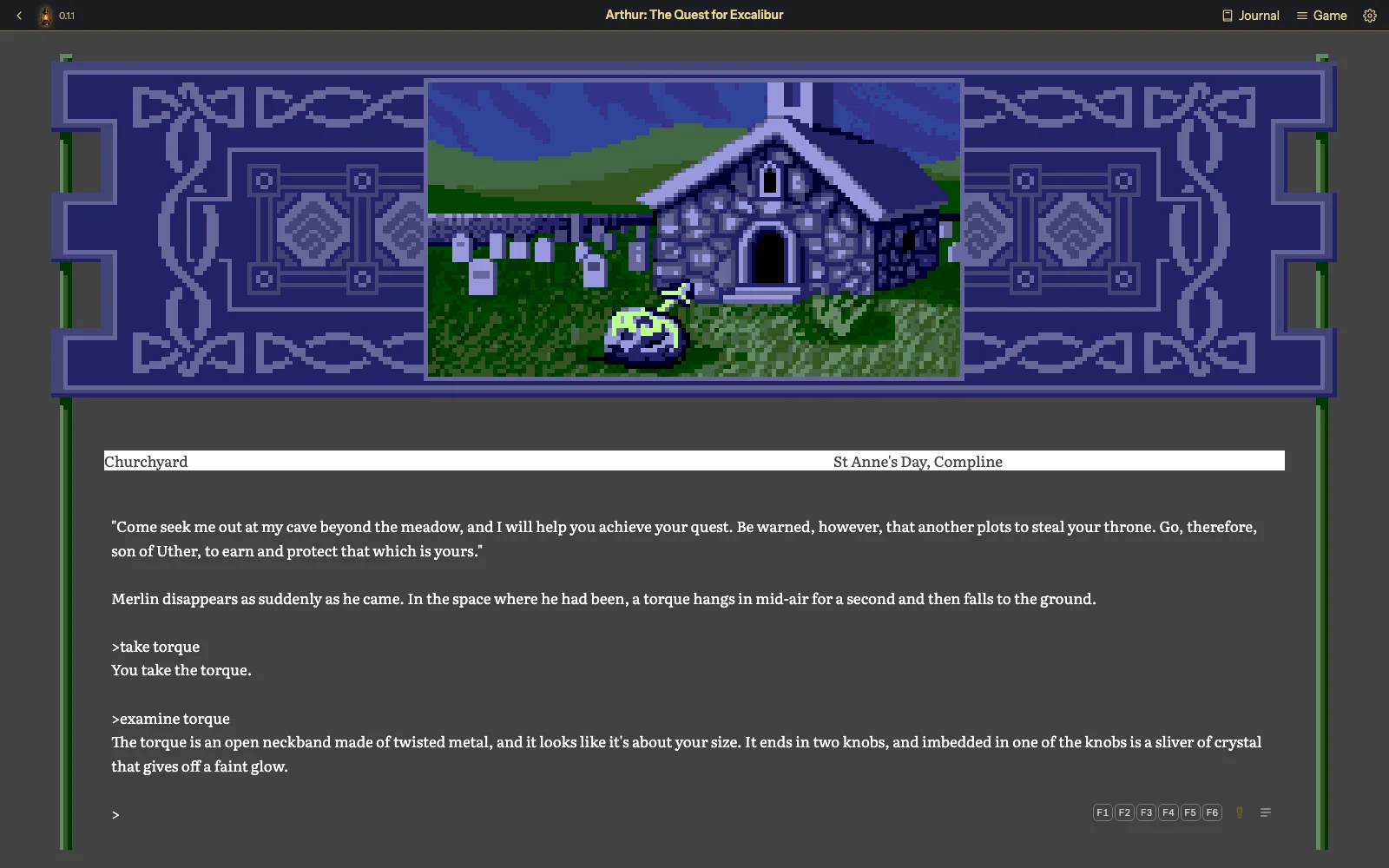
I first saw Camelot on a friend's Amiga, in colours I have never managed to describe at parties. It looks exactly as I remember, which is more than I can say for myself.

Arthur: The Quest for Excalibur, a full-colour picture of a stone chapel and a churchyard under a dusky sky in the game's ornate blue border, with a status line and the game text below it.
Arthur (Infocom), from its Amiga disk.

Fonts and sizes for every game

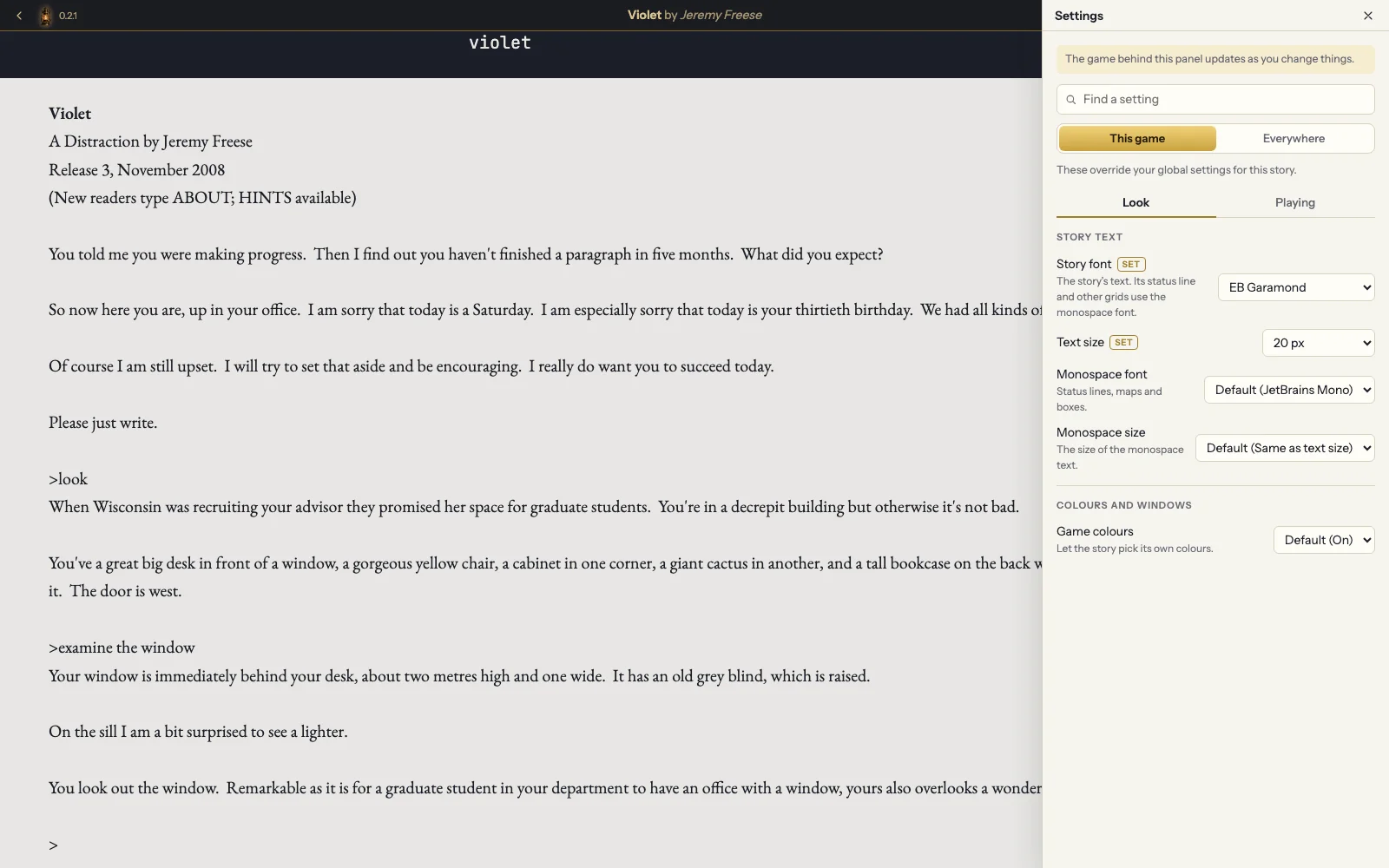
Games are set in proper book typefaces. Pick the font and size for the prose and for the fixed-width windows separately, everywhere or for one game.

Bundled fonts include Literata, EB Garamond, Atkinson Hyperlegible and OpenDyslexic, and for fixed-width text JetBrains Mono, IBM Plex Mono and VT323.

My eyes are not what they were. Neither are my knees, but The Golden Lanthorn can only help with the eyes.

Violet by Jeremy Freese set in EB Garamond, with the Settings panel open for this game: the game font, text size, monospace font and size, and game colours.
Settings for one game: Violet by Jeremy Freese in EB Garamond at 20 px.

Play on Android, or any device on your network

The Android app is the whole thing in your pocket: the library, the maps, the journal, the narrator, voice commands and the Babel Lamp, offline once downloaded, with your saves in Documents where a file manager finds them. It suits handhelds like the Retroid Flip 2 too, D-pad and all.

On the desktop, a built-in web server lets you play your library from a tablet, a phone or another computer on your home network, with the same saves. It's off until you turn it on, and other devices need a password.

Prefer a home server? The Golden Lanthorn also comes as a Docker image, so a NAS or an always-on computer can host your library for every browser in the house.

I now pursue the Wizard of Frobozz from the bath. Progress has been slow but very relaxing.

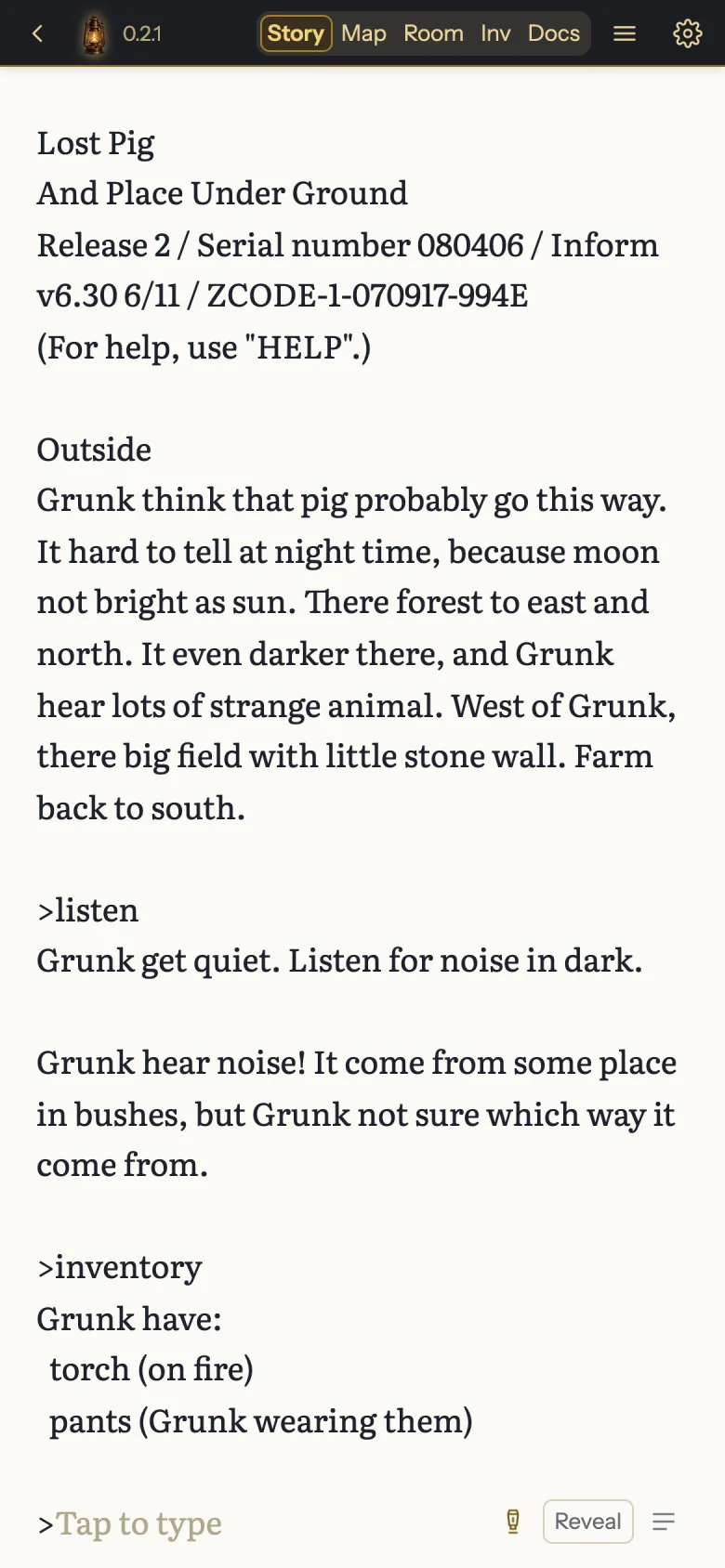
Lost Pig on a phone: tabs for the game, map, room, inventory and documents along the top, Grunk's story filling the screen below them, and Tap to type at the bottom.
Lost Pig on a phone, with the map and the journal one tap away.

Try it with Zork I

The free demo includes the whole of Zork I, built from Infocom's source code, which Microsoft released under the MIT licence.

Your demo saves carry over to the full app.

Download the free demo for Mac, Windows, Linux or Android

Zork I is where I started. The white house, the mailbox, the leaflet. I recommend reading the leaflet. I did not, the first time.

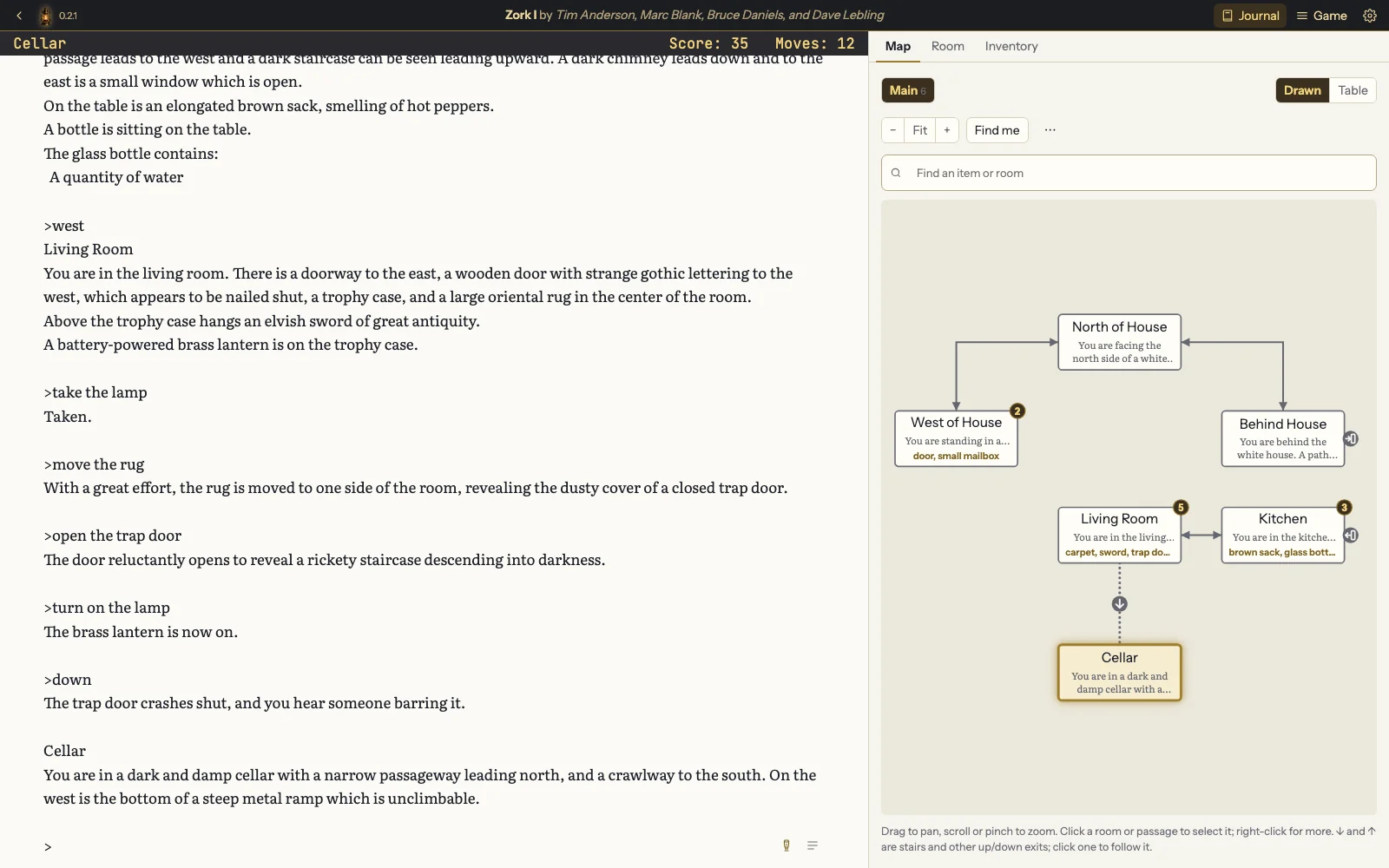
Zork I in the free demo: the game text on the left, down through the trap door into the Cellar with the lamp lit, and on the right the map so far, from North of House and Behind House to the Kitchen, the Living Room and the Cellar.
Zork I, included with the free demo.

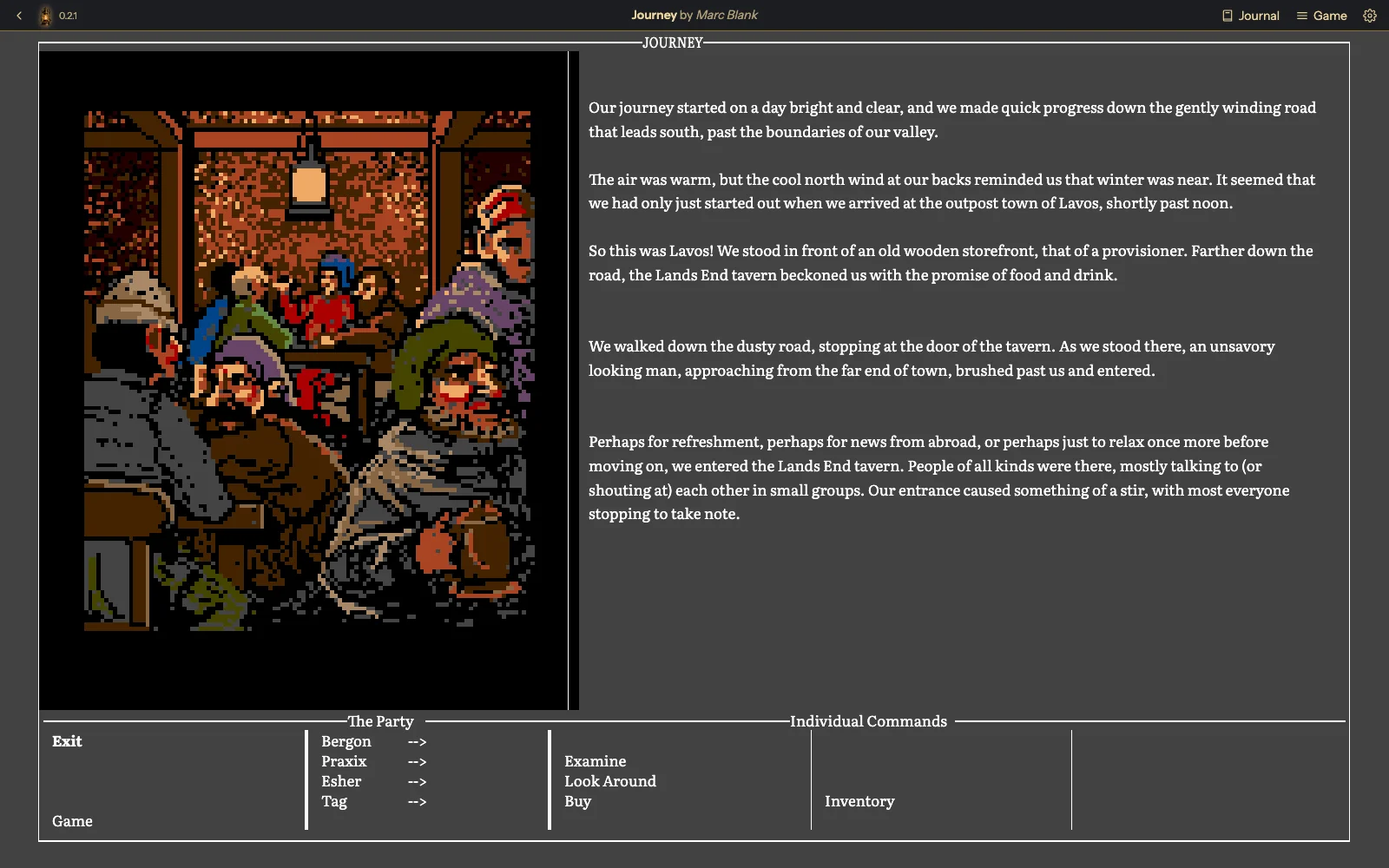
Plays the Infocom classics such as Zork, Trinity, Zork Zero and Journey, plus thousands of free games from the IF community. Bring your own game files: the full app includes none, and the demo comes with Zork I. See everything it plays and where to find games.

Where to get it

A small one-time price helps keep Lanthorn's development going.

Looking for the free, open-source Lanthorn?

The Golden Lanthorn is built on Lanthorn, a free, open-source interactive-fiction player with a TUI: it runs in your terminal. It has the same engine, maps and hints, and it's yours to use and change under the BSD licence. The two share saves and settings, so a game you start in one carries on in the other.

Find it here: github.com/sharkusk/lanthorn

Questions

What is interactive fiction?

Interactive fiction, or a text adventure, is a story you play by typing. The game describes where you are; you type what to do, such as open the mailbox or go north, and the story answers. Infocom's Zork made the form famous in the 1980s, and people have written thousands of these parser games since, many of them free.

Does it include any games?

No. It's a player, and you bring your own game files. Thousands of games are free on IFDB and the IF Archive, and you can search IFDB and download free games from inside the app. Some Infocom games are still sold, such as the Zork Anthology. The free demo comes with the whole of Zork I. Here's where to find games.

Which platforms does it run on?

Mac, Windows, Linux and Android, on itch.io now, with a free demo, and a Docker image for a home server or NAS. Any other phone or tablet on your home network, an iPhone or iPad included, can play your library through the desktop app's built-in web server. An app for iPhone and iPad is planned for later.

Does it work offline?

Yes. It runs on your computer and plays game files from your own disk, with no account. It needs a connection only when you ask it to search IFDB, look up covers, details or documents there, or download a game, and once for the narrator's voice and speech recognition, the first time you switch each on.

All questions

Contact

Questions, bug reports or press enquiries: hello@goldenlanthorn.com